← MovingBox for iOS 27

Available on the App Store

MovingBox 2026.3.0 Press Kit

Find a saved belonging with Siri Camera, open its inventory record, and keep track of the next time it leaves home. MovingBox 2026.3.0 also adds Apple Intelligence choices for single-item photo analysis.

Released .

Each screenshot ZIP includes iPhone and iPad captures: plain screenshots, device frames, and captioned images. These assets show MovingBox 2026.3.0. For the latest press assets, visit the Press Hub.

See the lending workflow

Camden's 2026.3.0 demo shows Visual Intelligence finding a cataloged tool and MovingBox checking it out to a borrower.

From camera match to checked out · 16 seconds

Siri Camera finds a saved impact wrench. Its MovingBox record opens, Check Out assigns it to a person, and the tool appears in Lent Items. This demo has no audio.

Download demo · MP4, 2.6 MB

Get MovingBox 2026.3.0

Download MovingBox from the App Store. Apple Intelligence and Visual Intelligence require a compatible device running iOS 27 and support from Apple's services.

For review help, promo codes, additional assets, or an interview: camden@movingbox.ai.

What is new in 2026.3.0

From Siri Camera to your inventory

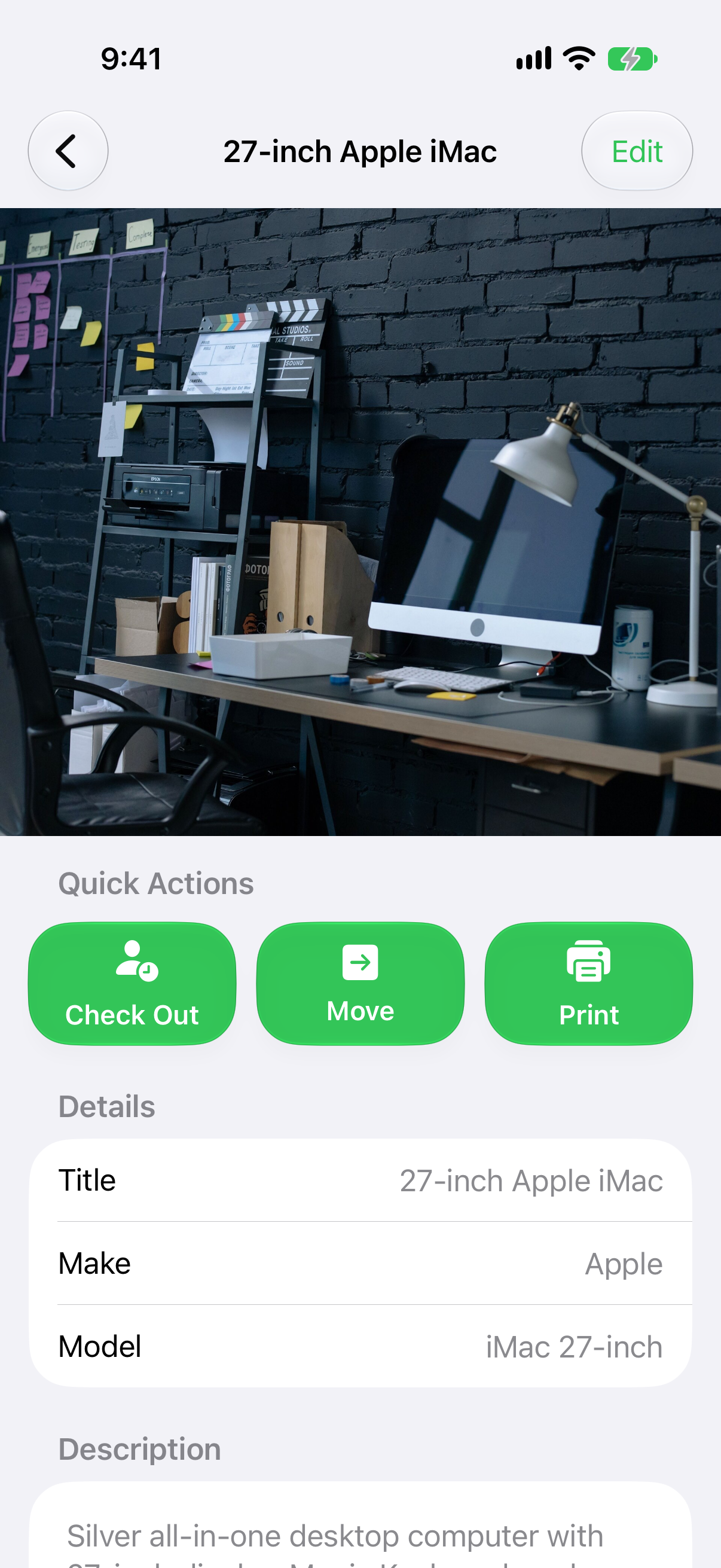
Visual Intelligence matches an object against photos already saved in MovingBox. A confident match opens the item's record, where you can review details or update its lending status.

In the demo, an impact wrench goes from a camera match to its saved record, then through Check Out into Lent Items. Lending records already exist in MovingBox; the new visual lookup makes them easier to reach.

Apple Intelligence for single items

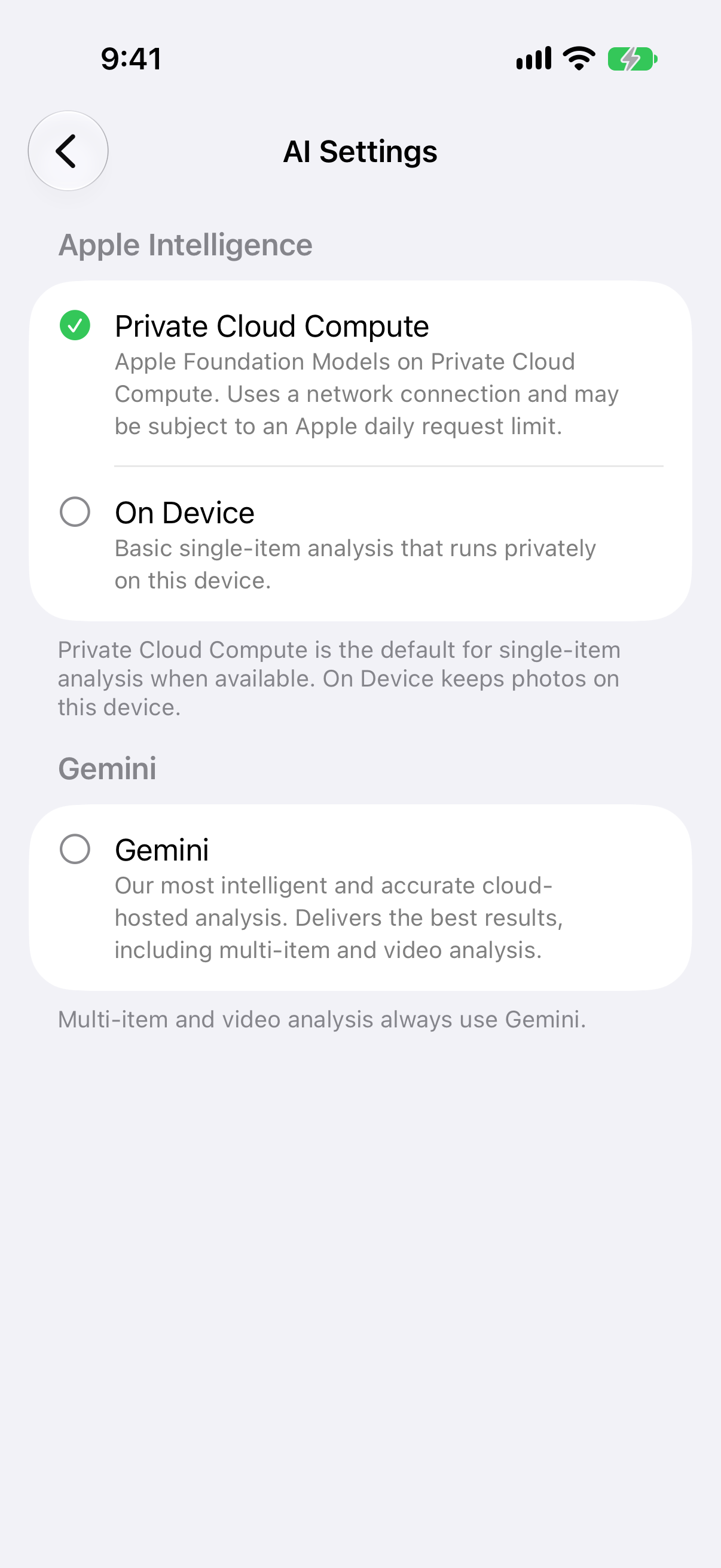
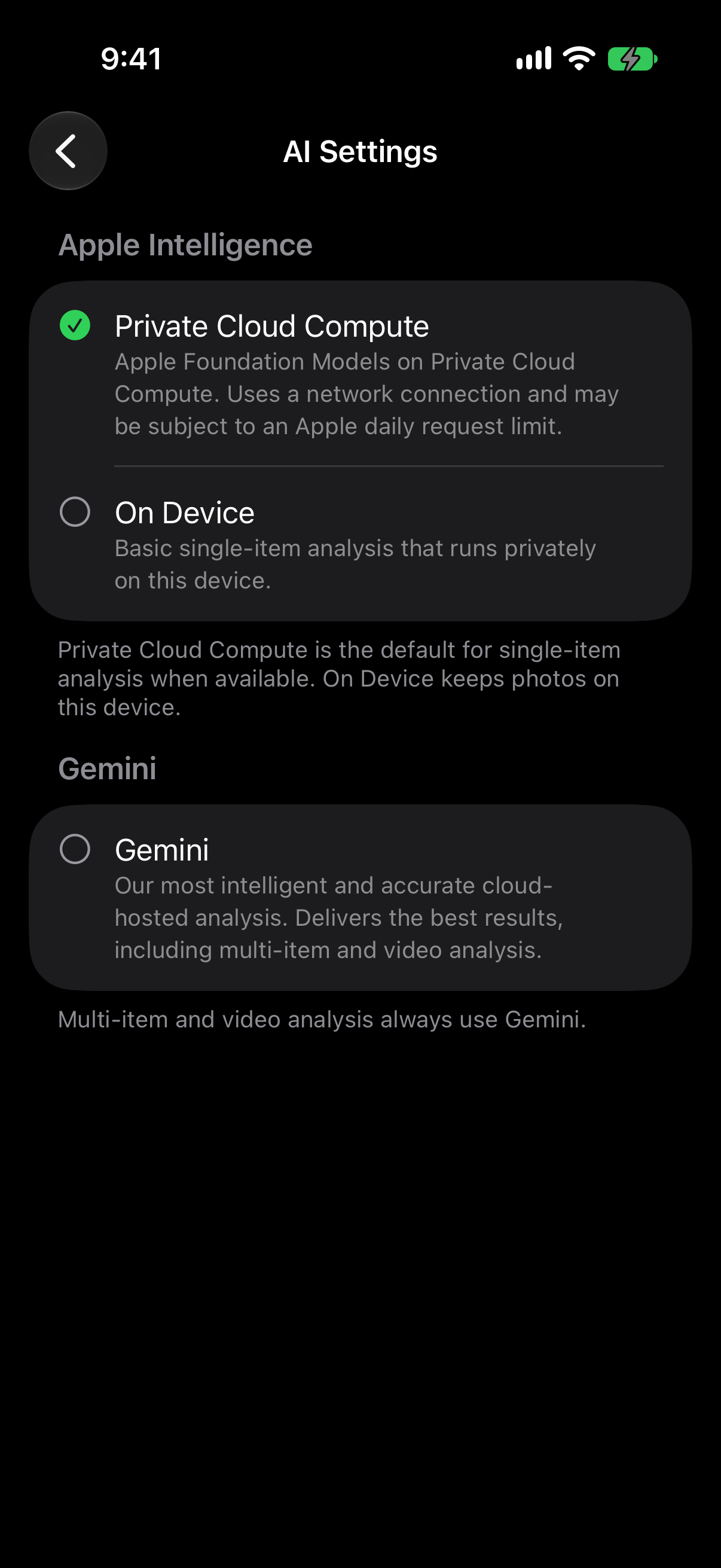
In AI Settings, choose between available single-item analysis providers. Private Cloud Compute is the default when available. On Device processes eligible photos locally, and Gemini remains a cloud-backed option.

Multi-item and video analysis use Gemini and require MovingBox Pro. These flows do not use the single-item Apple Intelligence setting.

Visual matching runs on device and uses saved photos from inventory the user can access. Active and lent items can appear; archived items are excluded. If neither Apple analysis provider is available, single-item analysis uses Gemini. A failed Apple request is not silently switched to Gemini.

Apple Intelligence requirements and availability

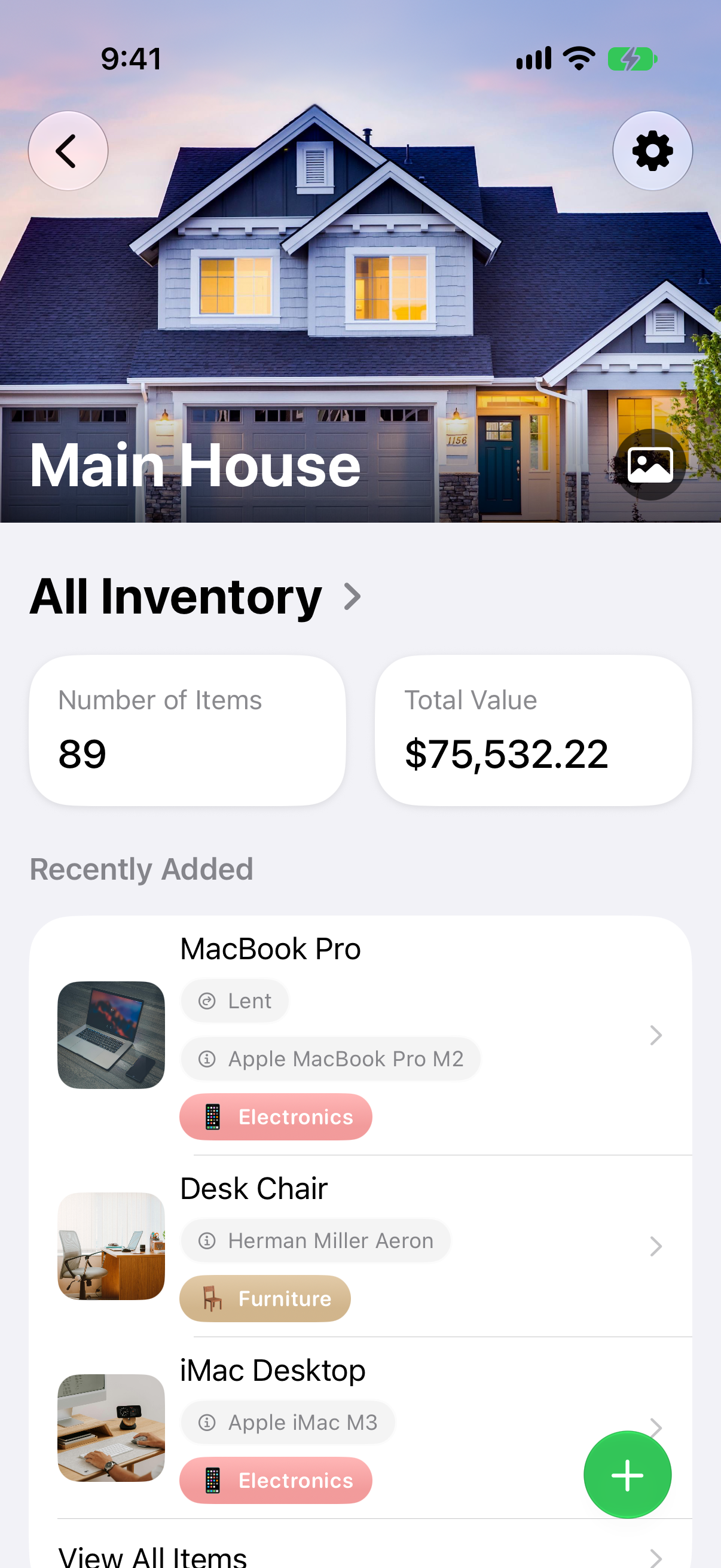
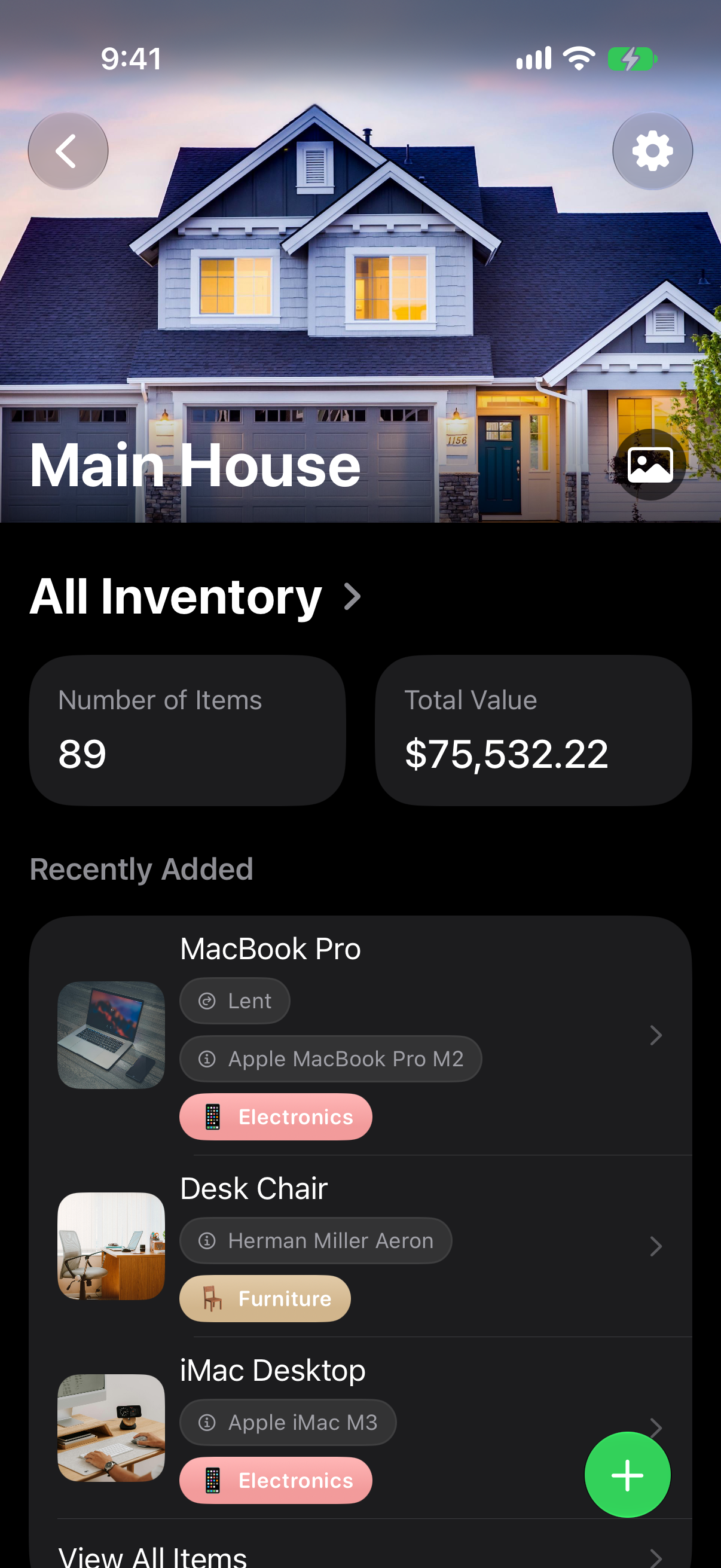
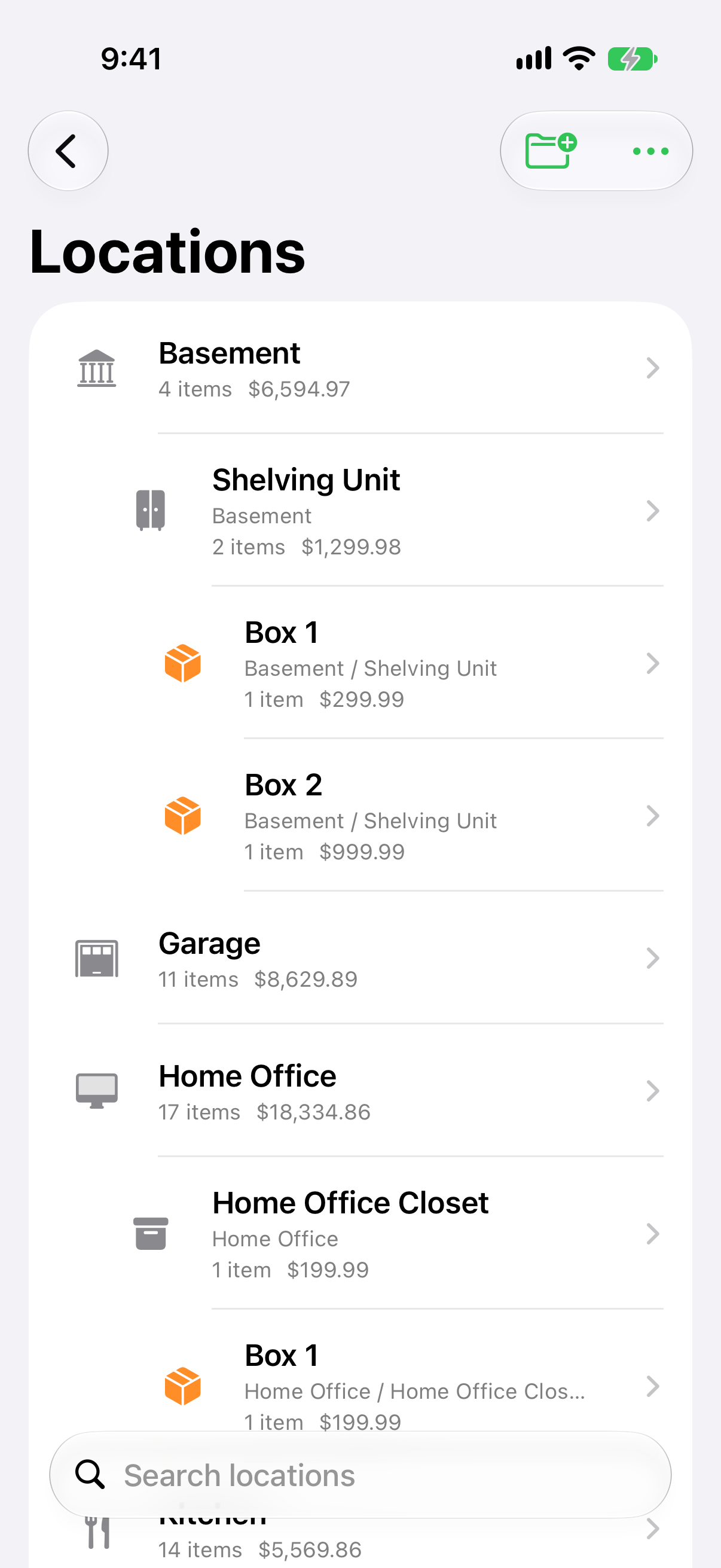
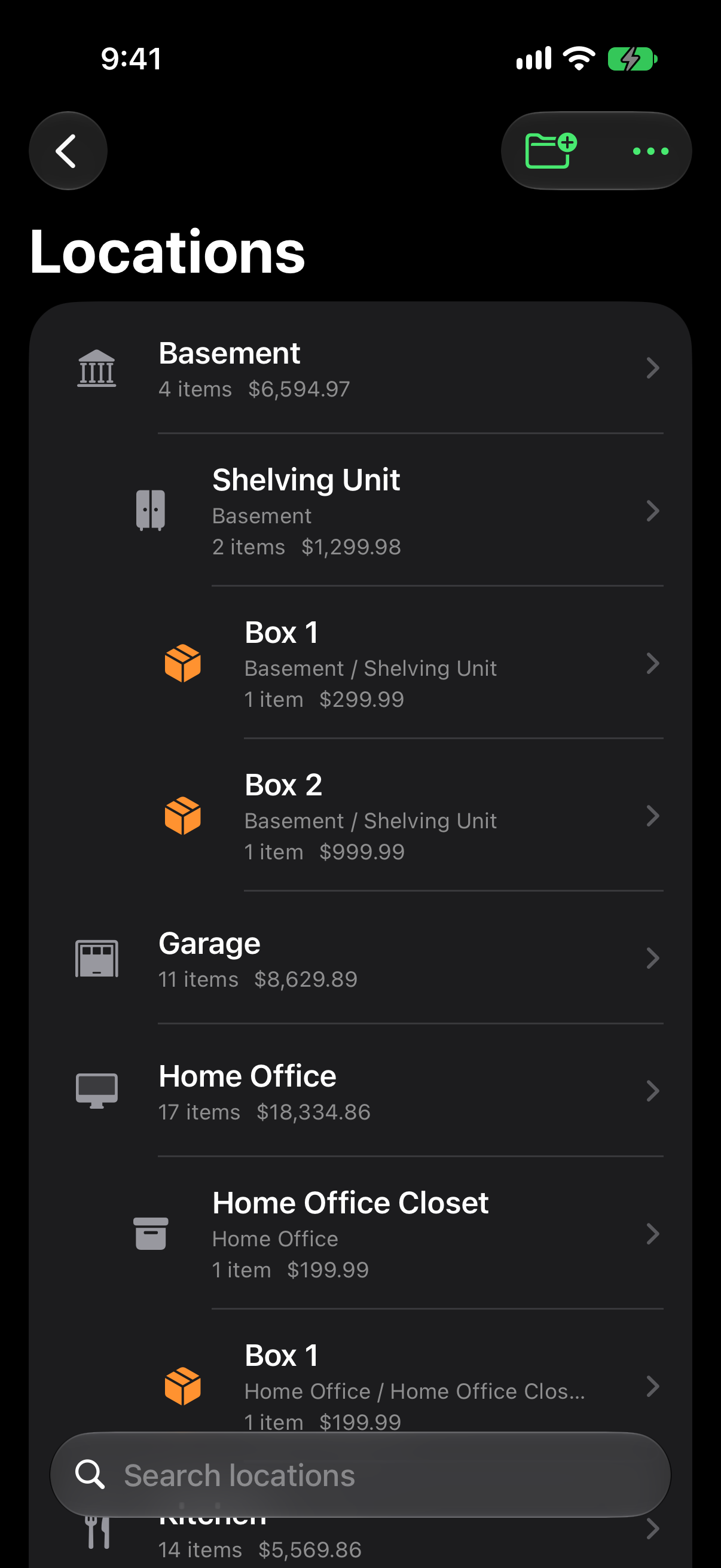
Screenshot previews

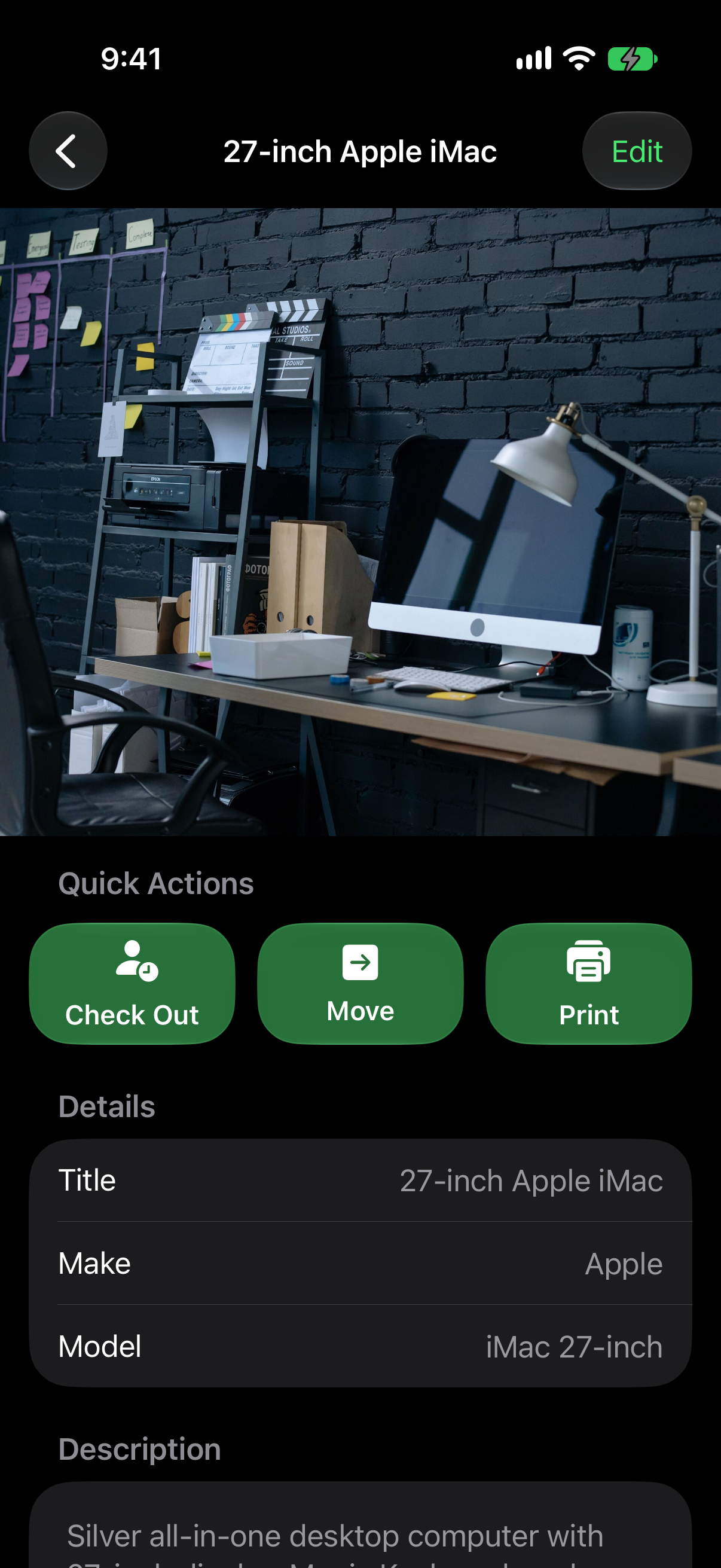
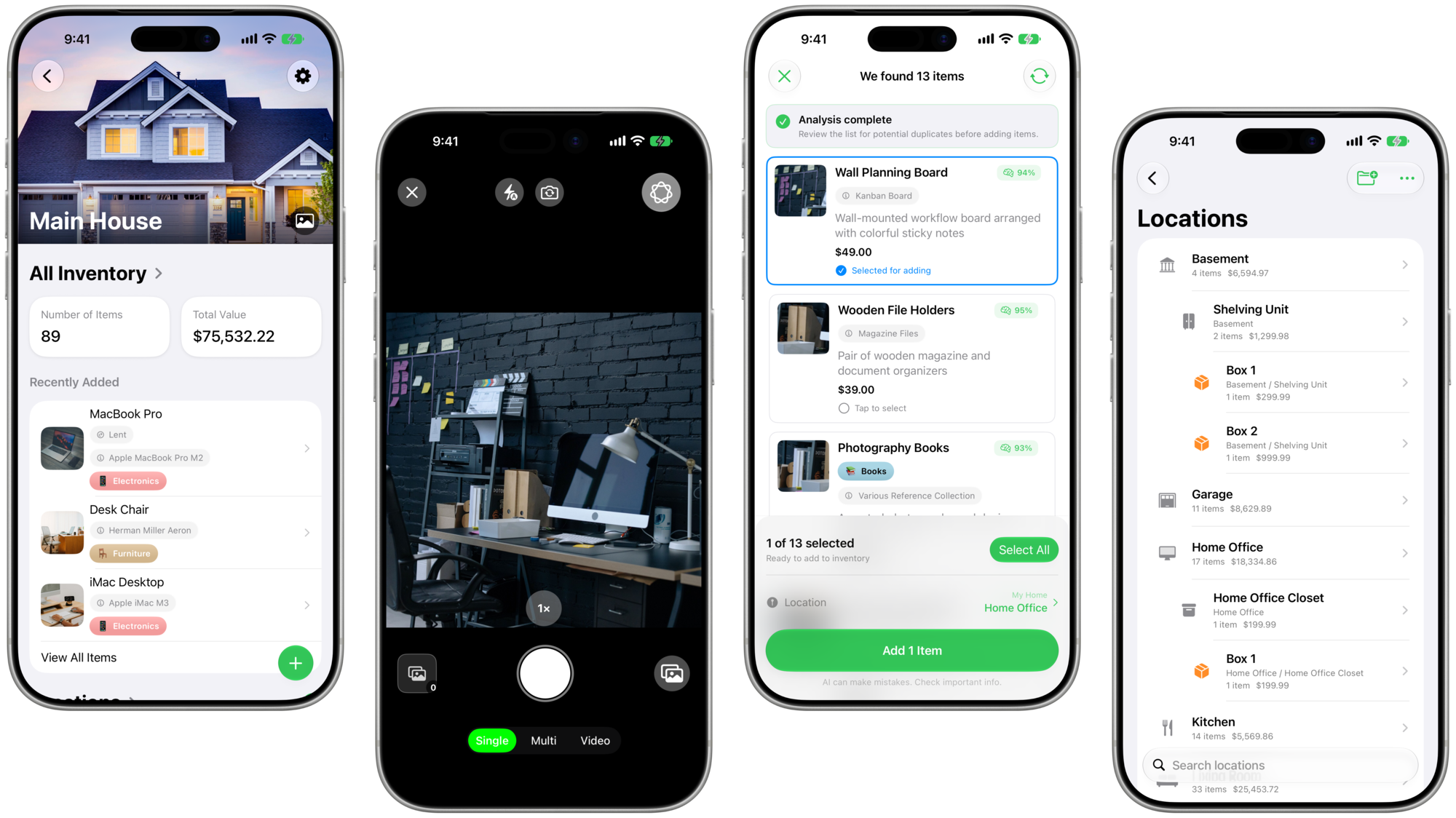
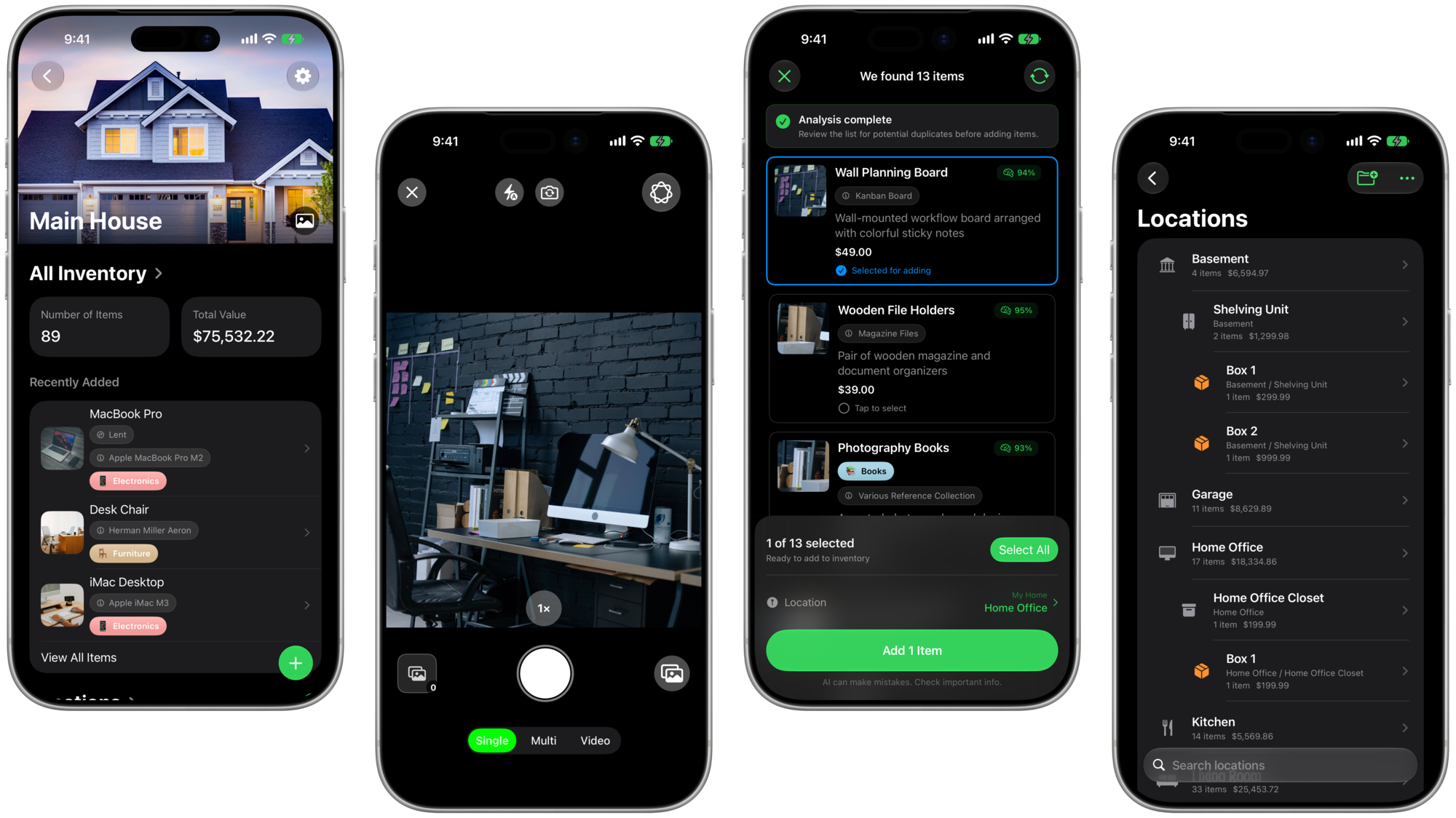
Full-resolution iPhone screenshots from MovingBox 2026.3.0. Download individual images below, or use the ZIP files above for the complete sets.

Banners and app icons

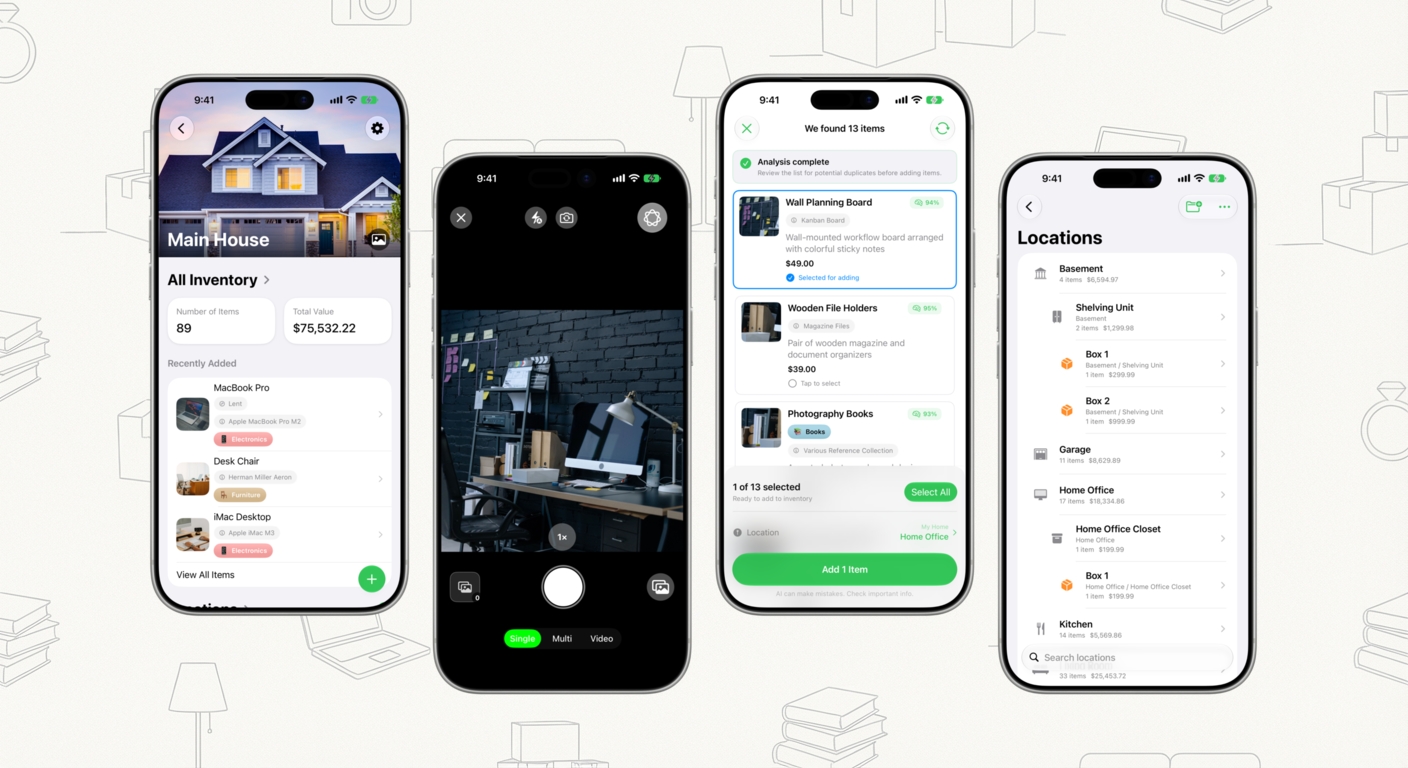
MovingBox dashboard, camera, item recognition, and locations shown in four iPhones

About MovingBox

MovingBox is a home inventory app for iPhone and iPad, made by solo developer Camden Webster of Mothersound LLC. It turns photos and videos into item records you can review and organize across homes, Spaces, and Boxes, with lending records, household collaboration through iCloud, and portable inventory exports.

Inventory records are stored locally and can sync through the user's iCloud account. Photos selected for AI analysis are processed by the selected provider, subject to availability.

Developer
Camden Webster · Mothersound LLC
Chicago, IL
Current pricing (US)
Free; optional MovingBox Pro
$4.99/month · $44.99/year · $129.99 lifetime
Press contact
camden@movingbox.ai
Current App Store release
MovingBox on the App Store

Using these assets

You may use this demo video, screenshots, banners, and icons in coverage of MovingBox, and quote this press kit with attribution. Identify the video and screenshots as MovingBox 2026.3.0. Please keep the demonstration and screenshots accurate and contact Camden for additional assets.

Back to MovingBox for iOS 27 →