Photos, Receipts, and Serial Numbers: What to Save With Your Home Inventory
Build a more useful home inventory by pairing clear photos with the purchase records and serial numbers that matter most.
- MovingBox Team
- 5 minute read
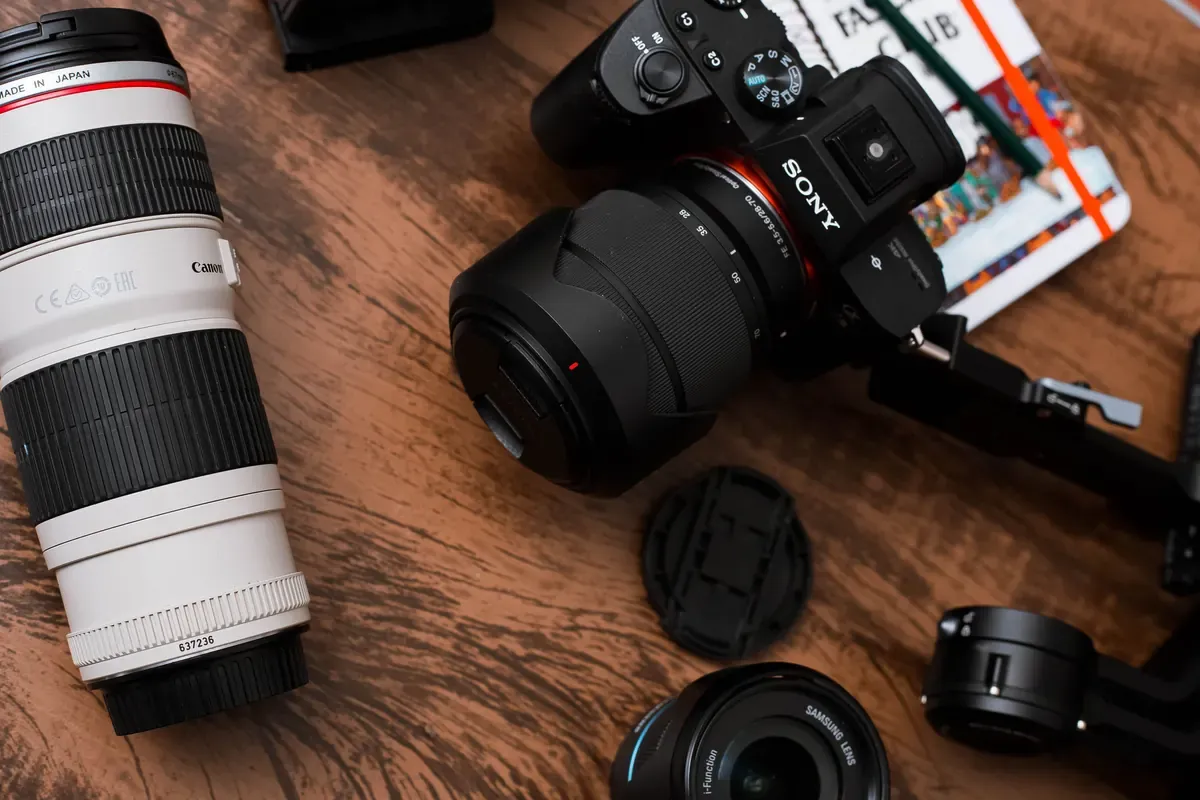
The most useful home-inventory record does more than name an item. A clear photo, a purchase record when you have one, and a serial number for the right items make it easier to recognize what you own and keep the useful details together.
You do not need to chase down paperwork for everything in your home. Start with belongings that are hard to describe from memory: electronics, appliances, tools, furniture, collections, and anything with a visible model or serial number. Add what you have now, then fill in gaps when you come across a receipt or label later.
Start with a clear item photo
Take one well-lit photo that shows the whole item. For a branded or technical item, take a separate close-up of its label, model number, or serial number. That close-up is often easier to read later than a photo taken from across the room.
If you use MovingBox, its single-photo capture is a good fit for items where detail matters. Review the AI-filled details before saving, and correct any important name, model, value, or description yourself. AI results are a starting point, not a substitute for your own record.
MovingBox Pro supports up to five photos for one item, which can be useful when you want to keep a full-item photo alongside close-ups or supporting documentation. On the free tier, choose the clearest single photo and add the rest of the important details manually.
Match each photo to the right detail
Use a simple pattern so a future-you can understand the record quickly:
- Main photo: the item as a whole.
- Detail photo: a manufacturer label, model number, or distinguishing mark.
- Receipt or invoice: the purchase date, seller, and price when available.
- Warranty or service record: useful for an item you may maintain or repair.
Avoid putting a pile of unrelated receipts into one record. A receipt is most useful when it is connected to the item it documents. If one receipt covers several items, add a note that explains the connection, or keep a copy with each relevant item.
Record serial numbers selectively
Serial numbers are especially useful for electronics, cameras, computers, power tools, appliances, and other products with an identification label. Copy the number exactly as shown, including letters and punctuation. If a label is hard to read, take a close-up photo as a backup.
In MovingBox, you can add a serial number from an item’s Identification section, either by entering it or using the camera to scan it. You can also return to any item later to edit its details, so a missing number does not have to stop you from creating the rest of the record today.
For high-value items, take a moment to compare the typed serial number with the label before you save. Small character differences are easy to miss, particularly with O and 0 or I and 1.
Keep purchase information with the item
A receipt can help you remember when and where you bought something, but it is only one piece of the record. Add the purchase date and price when you know them, then keep any receipt, warranty, or important file with the corresponding item.
MovingBox item records include purchase information, and the app supports document attachments for receipts, warranties, and other files. For unusual, inherited, handmade, or older belongings that do not have a receipt, write a short description and add photos of the details you do have instead of leaving the item out.
Make a quick review routine
When you buy or set up a notable item, spend a minute on three things: photograph it, capture its identifying label, and save any receipt or warranty that came with it. This small habit keeps your inventory current without turning it into a weekend project.
If you are catching up on an existing home, work one room at a time. Start with the items that have visible labels or paperwork nearby, then make a short list of records to add later. A clear, partial inventory is more useful than waiting for a perfect one.
A simple checklist for each important item
- Take a clear photo of the full item.
- Photograph or record its model and serial number when present.
- Add the purchase date and price if you know them.
- Keep the related receipt, warranty, or service document with that item.
- Review AI-filled details and correct anything important before saving.
- Revisit the record when you find better paperwork or a clearer photo.
Frequently Asked Questions
Should I save receipts for every household item?
No. Prioritize receipts for items that are valuable, technical, difficult to identify, or still covered by a warranty. For everyday items without paperwork, a photo and a clear description can still make the inventory easier to use.
What if I cannot find a receipt?
Create the item record anyway. Add a photo, write down any model or serial number you can find, and enter the details you know. You can update the record if the receipt turns up later.
Do I need MovingBox Pro to record serial numbers?
No. Serial numbers can be added from an item’s Identification section. Pro is relevant when you want to keep multiple photos with an individual item; the free tier includes one photo per item.
For step-by-step help, see MovingBox’s guides to working with items and core features.