How to Inventory Your Belongings Before a Move
Build a useful moving inventory before packing, with a simple way to record items, assign them to boxes, and find them after you arrive.
- MovingBox Team
- 5 minute read
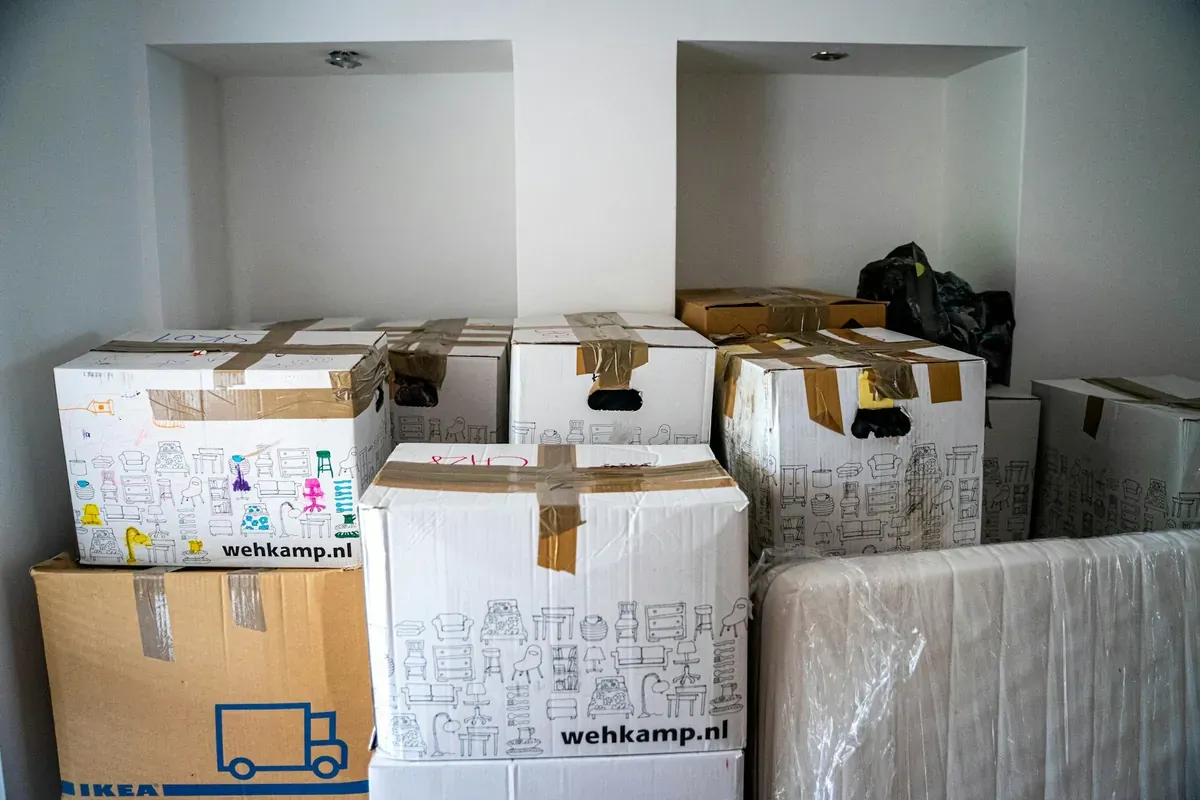
If you inventory your belongings before a move, you give every box a little context: what is in it, where it came from, and where it should go next. The simplest approach is to document one room at a time, record the items you want to remember, then assign those items to the numbered boxes you pack.
You do not need a perfect catalog before moving day. Start with the belongings that would be hardest to identify or replace, then keep going as you pack.
Start with a small, repeatable pass
Pick one room, closet, or storage area. Walk through it in a consistent order—left to right, shelf by shelf, or drawer by drawer—so you do not have to rely on memory later.
For each item, capture the details that will help you recognize it after the move:
- A clear photo
- A plain-language name and description
- A note about its condition or distinguishing features when useful
- Model or serial numbers for electronics and other items that have them
- A purchase record or receipt when you already have one and want to keep it with the item
Avoid stopping to solve every edge case. Put an uncertain item on a short follow-up list and keep the room moving forward.
Document the items before they disappear into boxes
Photograph items while they are still visible. A single, well-lit photo is a good fit for an individual item, especially when its brand, model, or identifying details matter. MovingBox Pro supports multi-item photo batches for a shelf, drawer, or other grouped surface when the items are clearly visible.
With MovingBox, you can add items from a photo or enter them manually. AI-generated details are suggestions, so review and correct the record before saving—particularly for unusual, obscured, or valuable belongings. Manual entry and basic browsing work offline. On supported devices running iOS 27, single-item photo analysis can also work offline with On Device selected in Settings → AI. Cloud analysis, including multi-item photo batches and video, needs an internet connection; see the capture guide for provider availability.
For a whole-room pass, MovingBox Pro also offers video analysis. It is fast, but it can miss fine details, so use a dedicated photo for an important item that needs a closer record.
Give each packed box a number
Give every box a distinct number across the home. For example, use Box 1 and Box 2 for the kitchen, then Box 3 for the bedroom. Add a descriptive name such as Kitchen utensils to make each record easier to recognize. MovingBox prevents duplicate Box Numbers within the same Home.
In MovingBox, Spaces can represent rooms, closets, or storage areas, and numbered Boxes live inside a Space. As you pack, assign an item to the Box it enters. That makes the box number part of the item’s record instead of a separate note you have to reconcile later.
Each Box can have a PDF contents list with its name, number, full location path, assigned item names, quantities, labels, recorded values, and a QR code. Print it and attach it to the box, then scan the QR code to quickly open that Box’s current contents in MovingBox. The sheet covers that one Box; it is not a complete inventory or insurance report.
Make the inventory useful on the other side
Before the truck arrives, do one quick review:
- Open the record for each high-priority item and make sure its box assignment is current.
- Check that fragile, valuable, or easy-to-misplace items have clear photos and any important identifiers.
- Print or share a contents list for boxes you expect to open first.
- Keep a short list of items that still need a photo or manual entry, rather than delaying the move for them.
When you arrive, unpacking becomes a series of smaller decisions. Open a Box, see its recorded contents, and update the item’s Space or Box when it finds its new home.
Keep the system simple enough to finish
Your inventory should make moving easier, not become another packing project. Use Spaces for where something physically is, use numbered Boxes for the containers you pack, and choose one Label only when a category or status will genuinely help you later. MovingBox supports one Label per item, so a single clear label is usually more useful than a long list of overlapping ones.
Start with one room today. By moving day, you will have a record that is easier to search, a box system you can follow, and fewer mysteries waiting in the new place.
Frequently Asked Questions
Should I inventory everything before I move?
Start with what matters most to you: higher-value items, electronics, collections, fragile belongings, and boxes that may stay sealed for a while. You can add the rest in smaller passes as you pack or unpack.
Can I use MovingBox for a fast room inventory?
Yes. You can use a photo for an individual item, then review the details before saving. Multi-item photo batches and video analysis require MovingBox Pro. A dedicated photo is still the better choice when an item needs close detail.
Does a printed Box list replace a full inventory report?
No. A MovingBox Box contents list covers one Box. It is useful for identifying and unpacking that Box, but it is not a complete inventory or insurance-report PDF.