How to Document Fragile Items Before Packing Them
A practical way to photograph, describe, and organize fragile belongings before a move.
- MovingBox Team
- 5 minute read
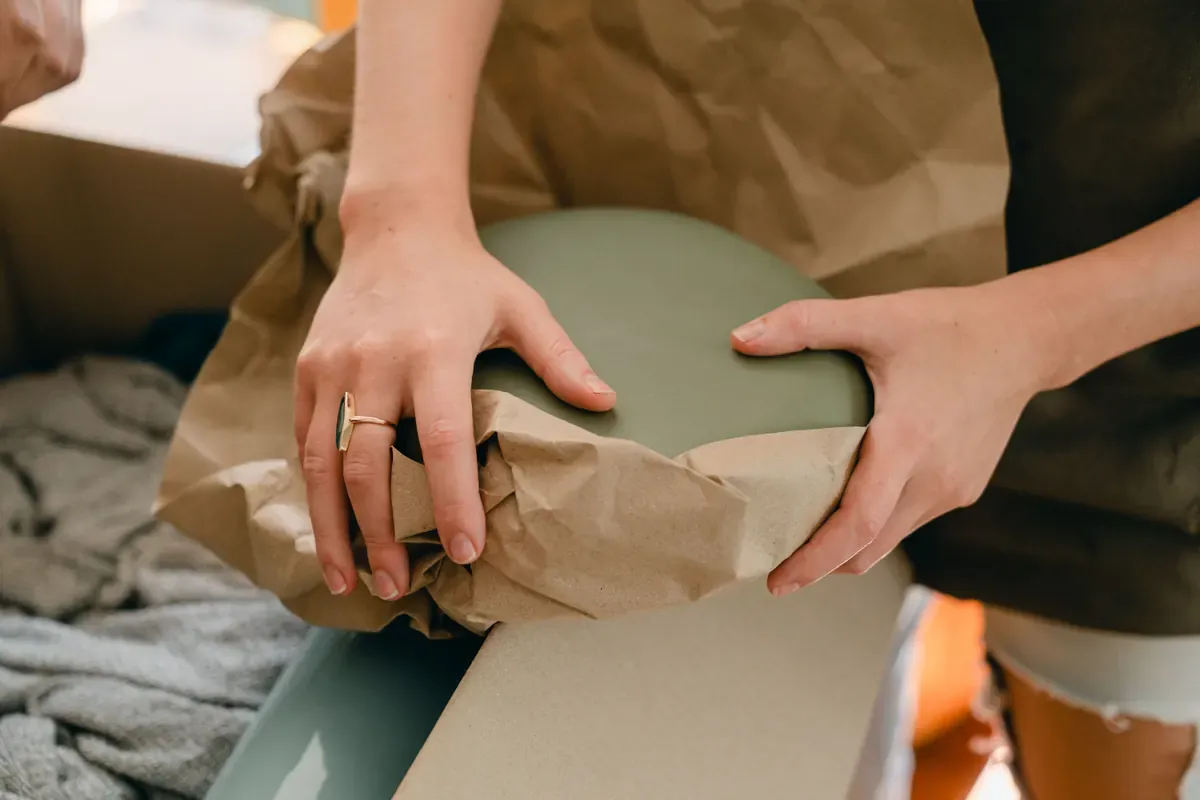
Before you pack fragile belongings, make a simple record of what each item is, what condition it is in, and where it is headed. A clear photo, a few notes, and a reviewed inventory entry give you something useful to refer back to while you unpack.
You do not need to document every piece of packing material. Start with the items that would be hard to identify later: glassware, artwork, lamps, collectibles, small appliances, and anything with a visible model or serial number.
Start with one fragile item at a time
For a detailed record, use a single-item photo. Put the item in good light, keep the background simple, and make sure its distinguishing features are visible. If it has a maker’s mark, model number, or serial number, take a close, readable photo of that detail too.
In MovingBox, tap + to open item capture, take the photo, then review the AI-filled details before saving. Treat those details as a starting point: correct the name, description, or other information if anything is missing or off.
If you have MovingBox Pro, you can add up to five photos to an item. That can be useful for recording several angles or a close-up detail. With the free tier, plan on one photo per item and add the most useful view first.
Record the details that make the item recognizable
Open the item after saving and edit its details while the item is still in front of you. A short description is often enough when it captures what a later version of you will need to know.
For example, you might note:
- Color, material, pattern, or distinctive marks
- The item’s condition before packing, including an existing chip, scratch, or loose part
- Where it will go after the move
- A model or serial number when one is visible
- Purchase information, a warranty date, or an attached receipt when you have it
MovingBox also lets you set a fragility level, moving priority, and destination room assignment. Use the fields that help your own packing plan; you do not need to fill every field for every item.
Photograph groups carefully
Some fragile items make sense as a group: a shelf of framed photos, a set of serving dishes, or several pieces of glassware. A multi-item photo can be a quick first pass when each item is visible and not heavily overlapping.
Multi-item photo analysis is a MovingBox Pro feature. Review each detected item, keep the entries that are correct, and edit or remove the rest before saving. For an item you especially care about, follow up with a dedicated single-item photo. A close view gives the AI more context and gives you a clearer record to review later.
Connect the record to the packed box
Once an item is ready to pack, assign it to a numbered Box inside the appropriate Space in MovingBox. A box should hold items, not another Space or Box, so create another Space if you need another level of organization.
If you use a printed contents list for a Box, it covers that Box rather than your entire inventory. Attach it after you finish packing so the outside of the box and the inventory point to the same set of belongings.
Do a quick review before sealing the box
Before you tape the box shut, compare the physical contents with its inventory entries. Check that the important fragile items were saved, the box assignment is right, and any useful identifiers are readable. This is also a good moment to update a note if you changed how an item is packed or where it will go.
For unusual, obscured, or valuable belongings, take the time to review the record closely. AI-generated details are suggestions, and you can always edit an item or add it manually when a photo does not capture what matters.
A calm way to keep packing moving
Documenting fragile items is most useful when it fits into your packing rhythm. Photograph the item, review the entry, add the few details you will want later, and place it in its box. Work one small group at a time, then move on.
The goal is not a perfect catalog before the truck arrives. It is a practical record that helps you recognize your belongings and stay organized as they make the trip to their next room.
Frequently Asked Questions
What should I photograph before wrapping a fragile item?
Capture a clear overall view and any identifying marks or existing damage that matter to you. Photograph the item before wrapping hides those details, then add short condition notes to its record.
Can I save several photos of the same item?
MovingBox Pro supports up to five photos per item. The free tier supports one, so choose the clearest overall view and use notes for details that are not visible in it.
Do I have to use AI to document fragile belongings?
No. You can add an item manually and optionally attach a photo. This is useful for handmade pieces, heirlooms, or details that a photo does not explain. If you use AI, review and correct its suggestions before saving.